

Notifications
Clear all
FAQs
1 Posts
1 Users
0 Reactions
2,836 Views
Topic starter
Why can't I log into my cloud edition of Bridge-IT?
If you are using the cloud edition of Bridge-IT there are two levels of security. Firstly the computer has log onto the cloud server. This window will appear:
1. The first time you try and log onto the cloud from the PC you are using.
2. Whenever Windows does an update it requires you to re-authenticate your PC on the cloud server.
The server logon looks different to the usual Bridge-IT logon:
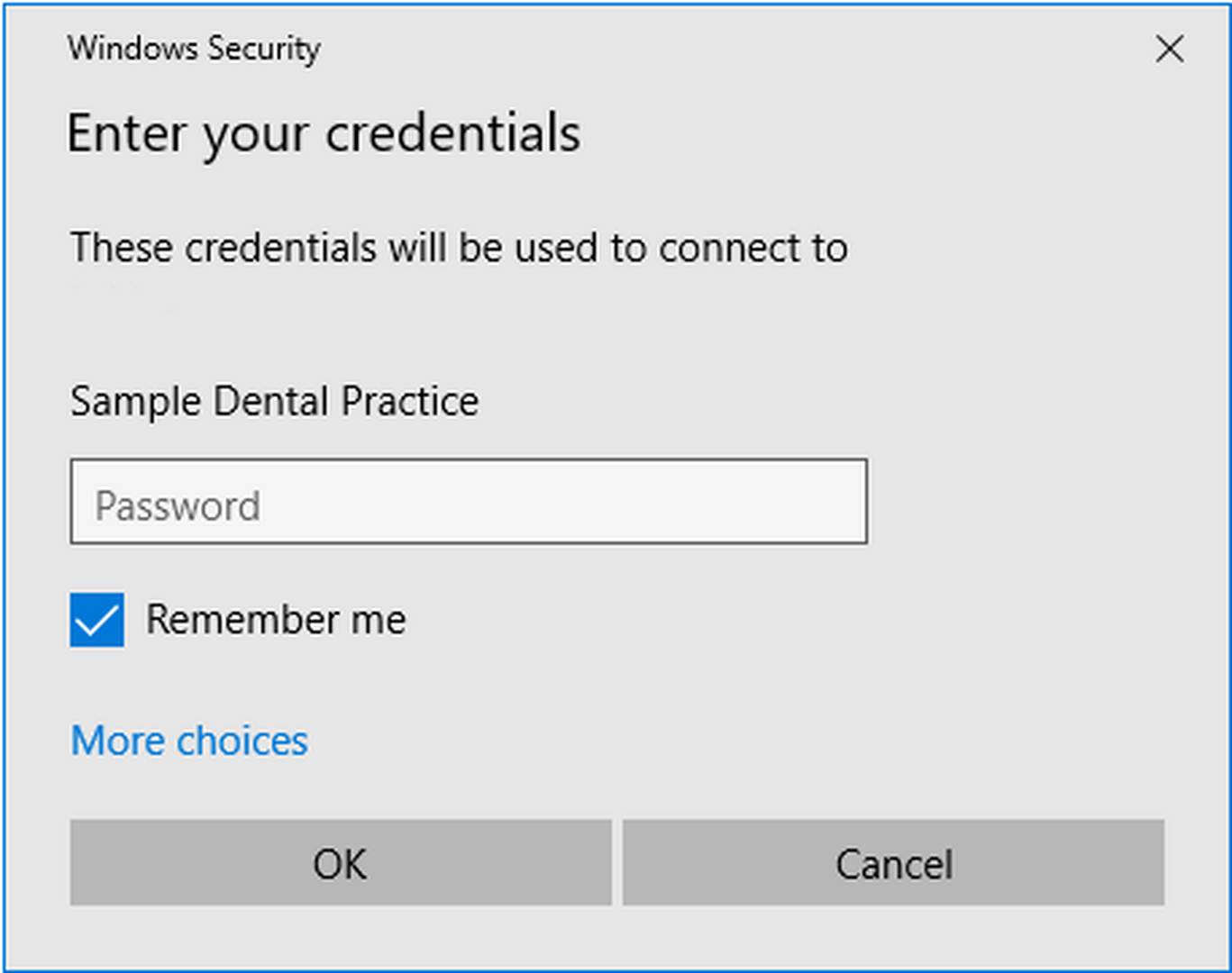
The user name will normally be filled in for you and will be the name of your practice. The password is the unique password e-mailed to you when you started using the cloud version. You should make a note of that username and password for use whenever you see the above dialogue.
Please note: If you try to log onto the cloud server several times using the wrong credentials you will be locked out. This is due to security running on the server and protects against hackers. If you get locked out you will have to contact us so we can unblock your IP address and you can try logging on again. Tick the box to remember your credentials when you have the correct details.
Once you have entered the correct logon credentials you will see the usual Bridge-IT logon which looks like this:
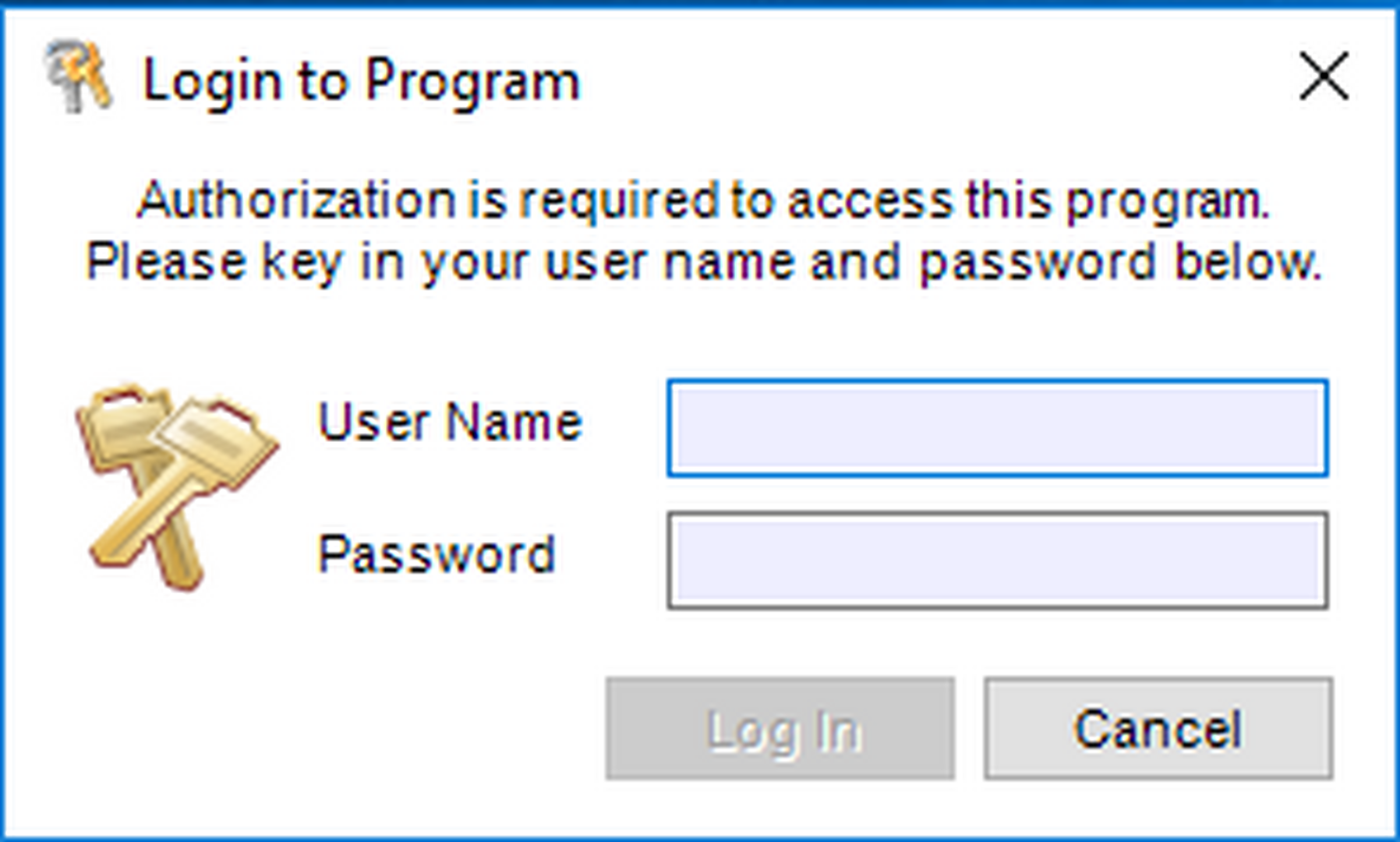
Use your Bridge-IT credentials to log into the program.
Posted : 04/01/2022 11:37 am
